
Your channel, working for you.
Even when you're offline.
fanping Hub is a free panel that lives on your Twitch channel page and fills itself from your schedule, VODs and clips, so the page has something to say even when you're not there.
 Install on Twitch
Free. Works with or without a fanping account.
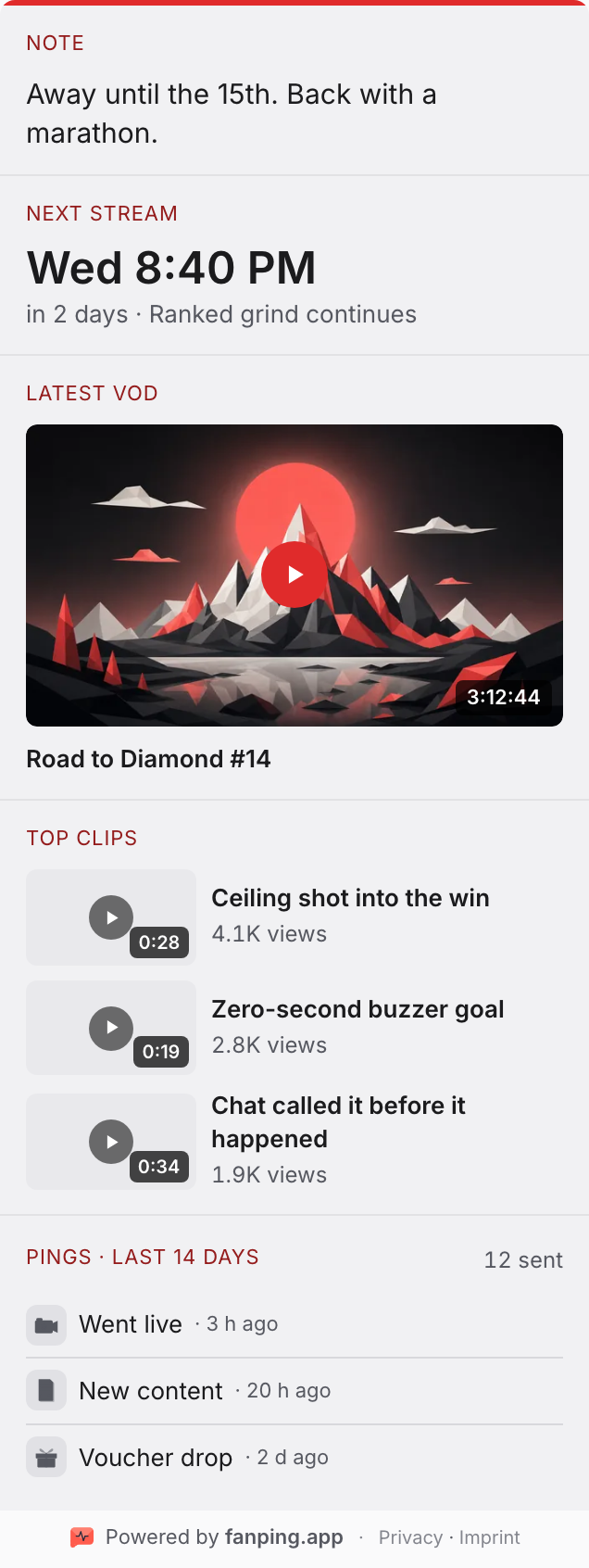
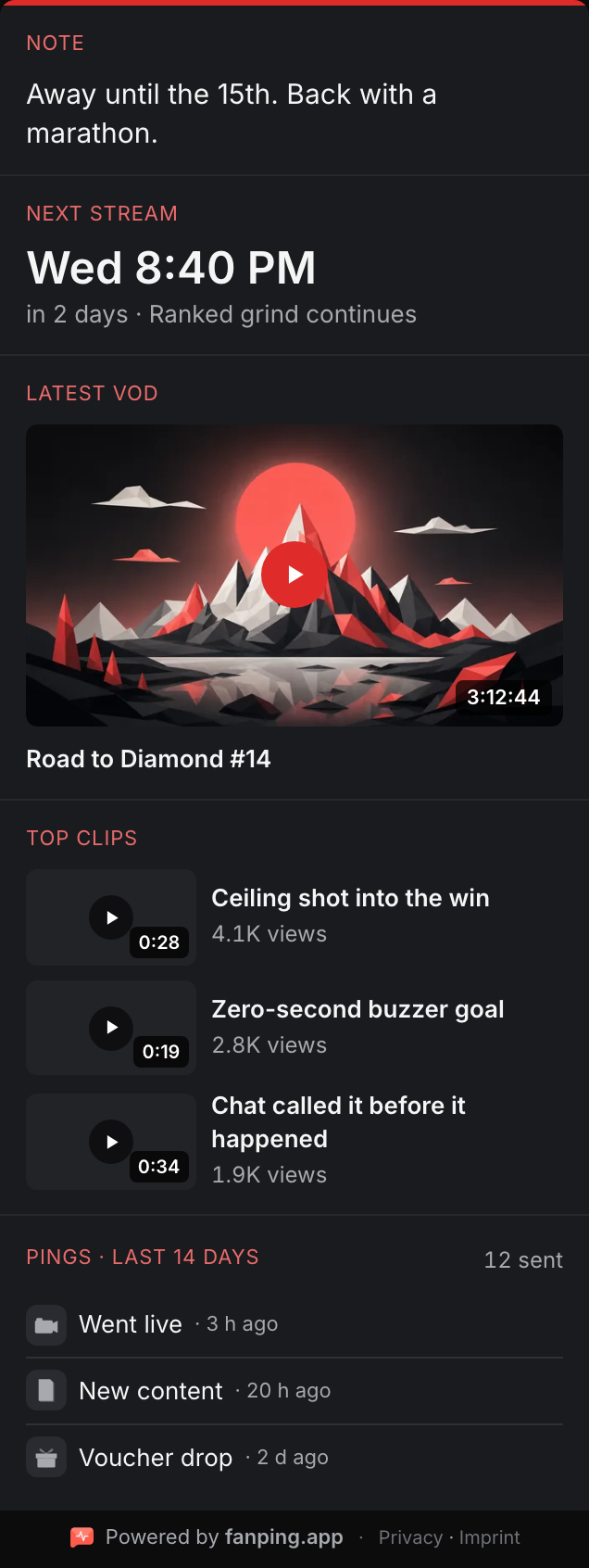
Your channel page is offline most of the day.
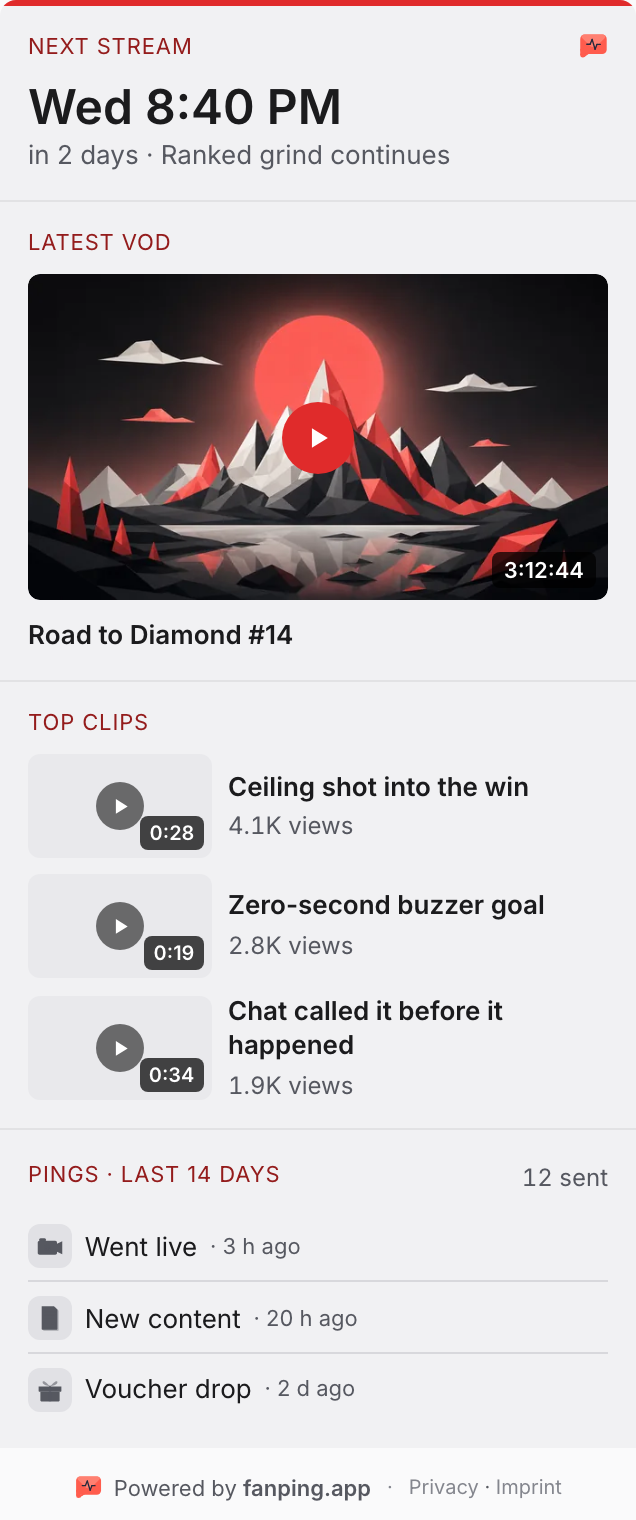
Whoever lands there between streams finds a dead panel and leaves. The Hub gives them a reason to come back: next stream, latest VOD, top clips. A random visit becomes a planned return.
One panel. Three people it catches.
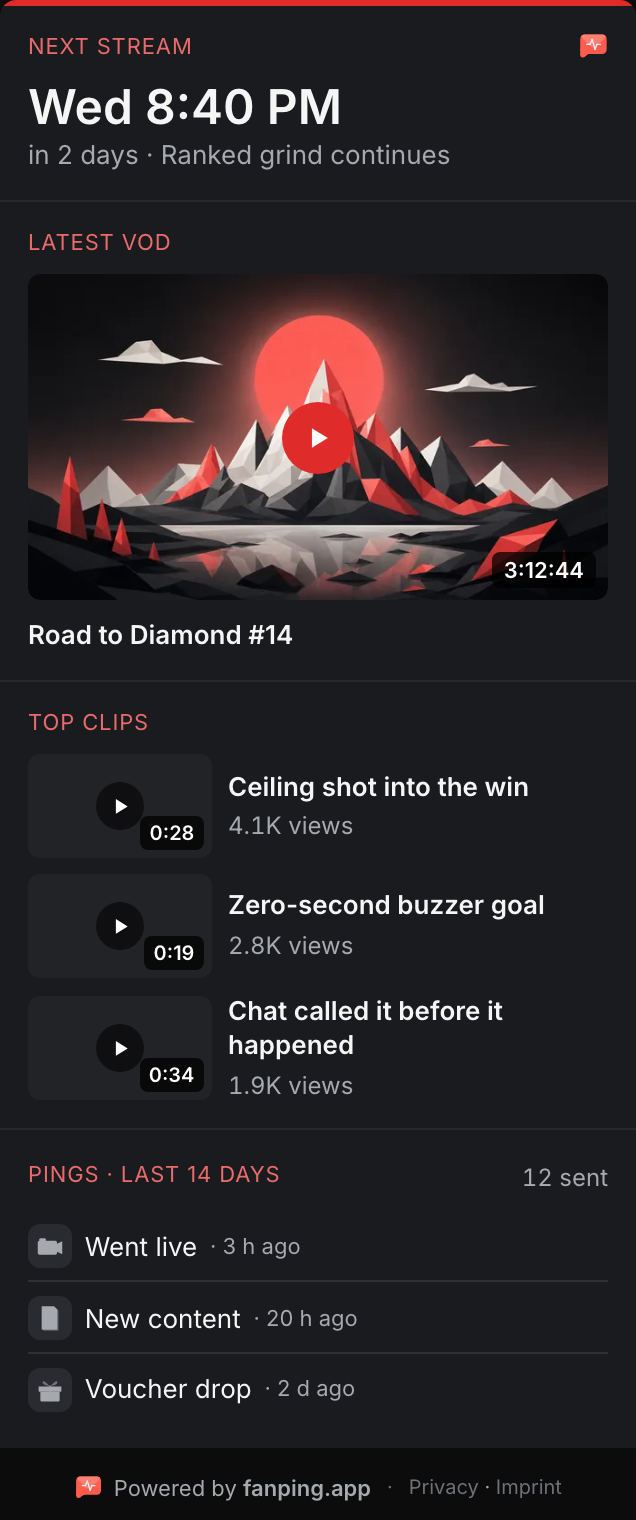
The same demo channel the hero rotates through, seen by the people who actually open your page.
The 3 a.m. visitor
Finds your page hours after you signed off. Sees your next stream, Wednesday 8:40 PM, and your latest VOD to bridge the wait.
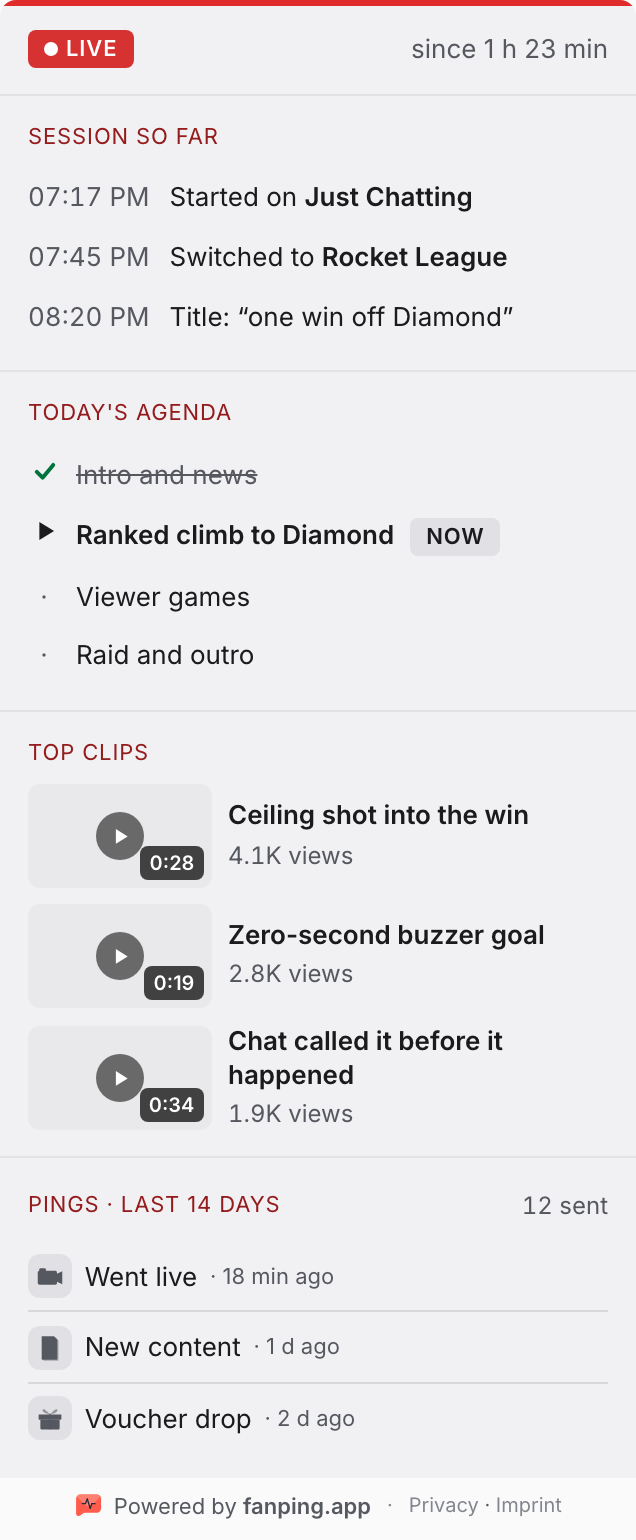
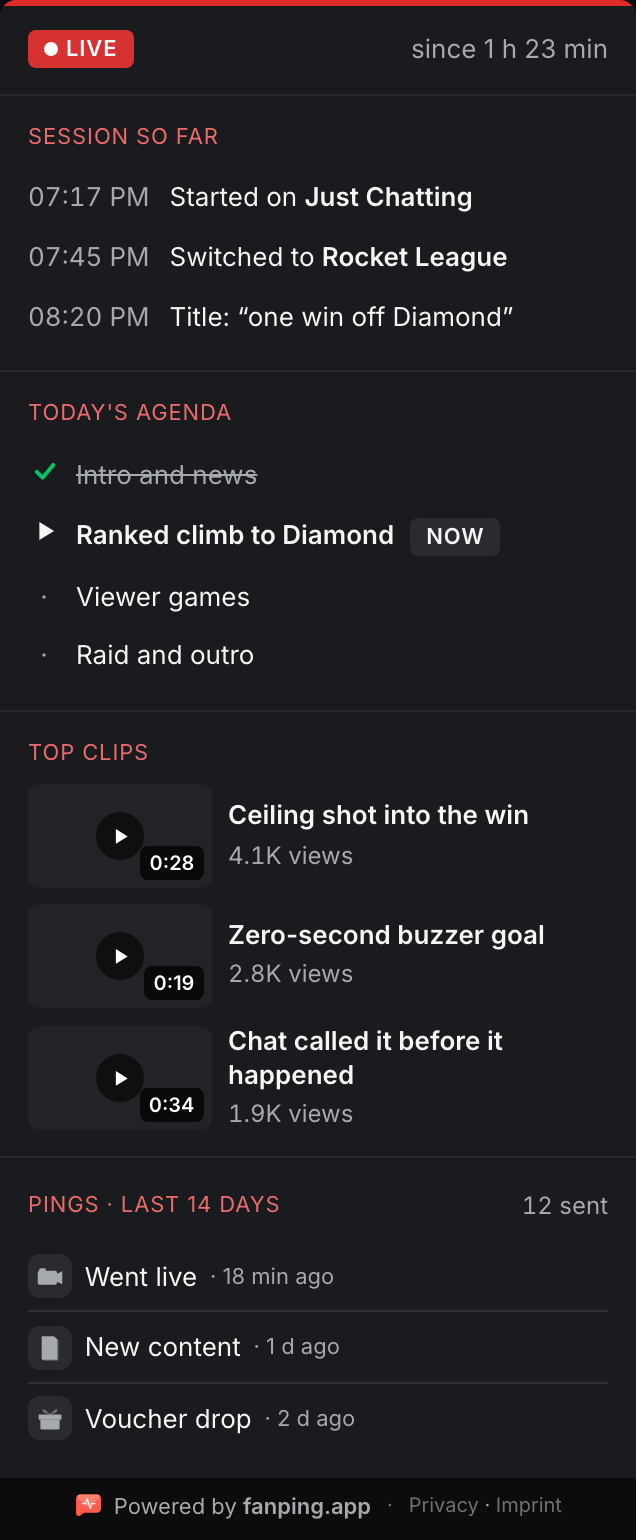
The mid-stream joiner
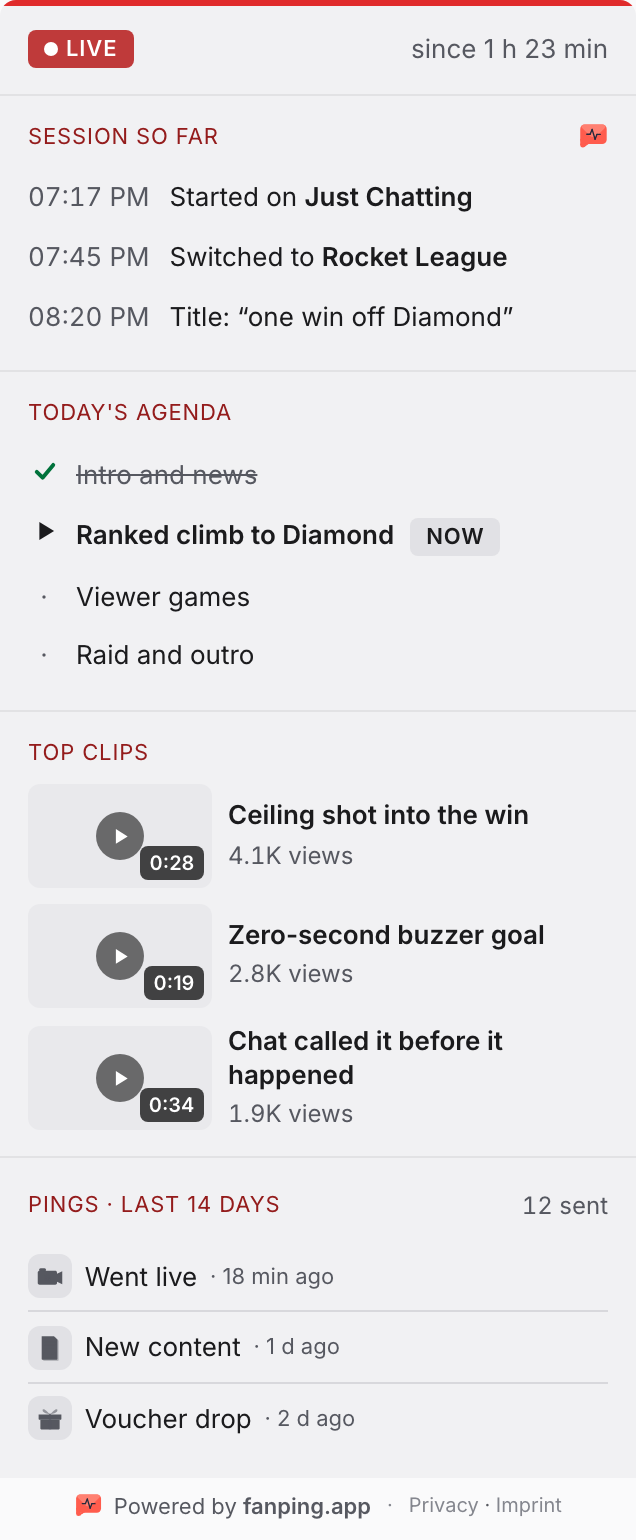
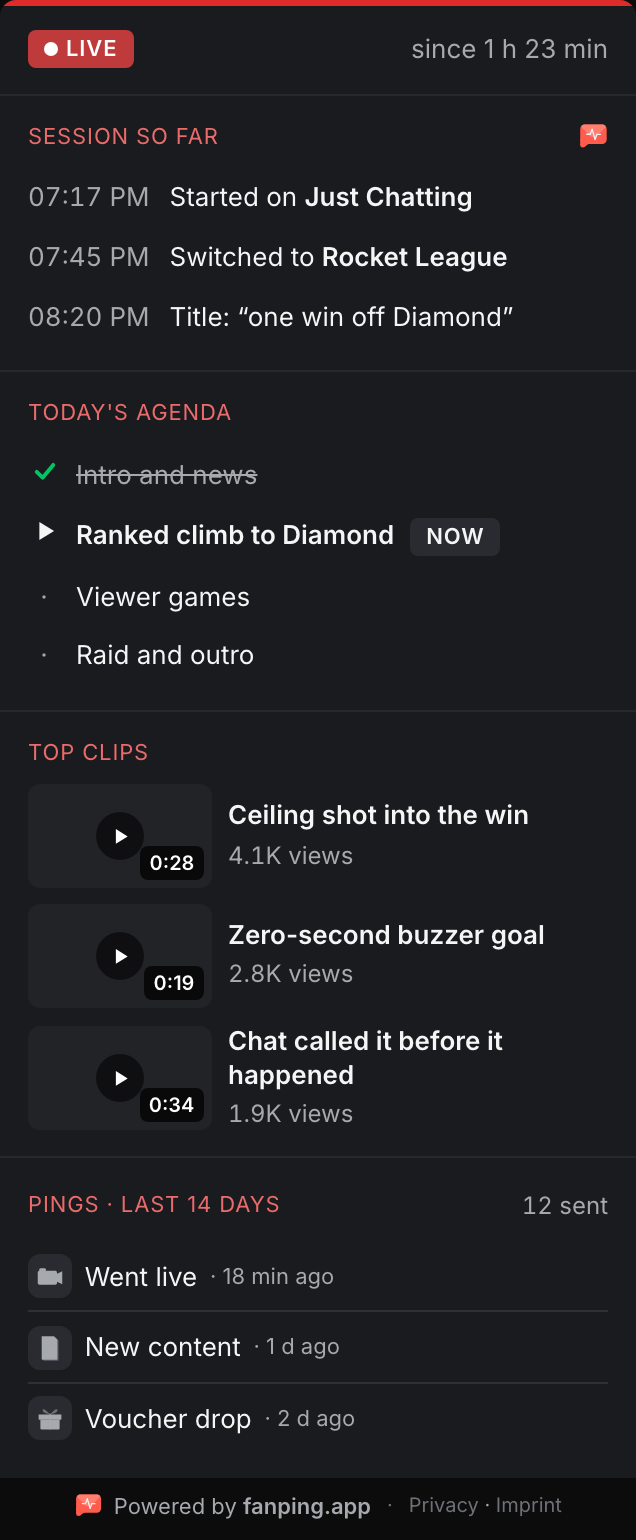
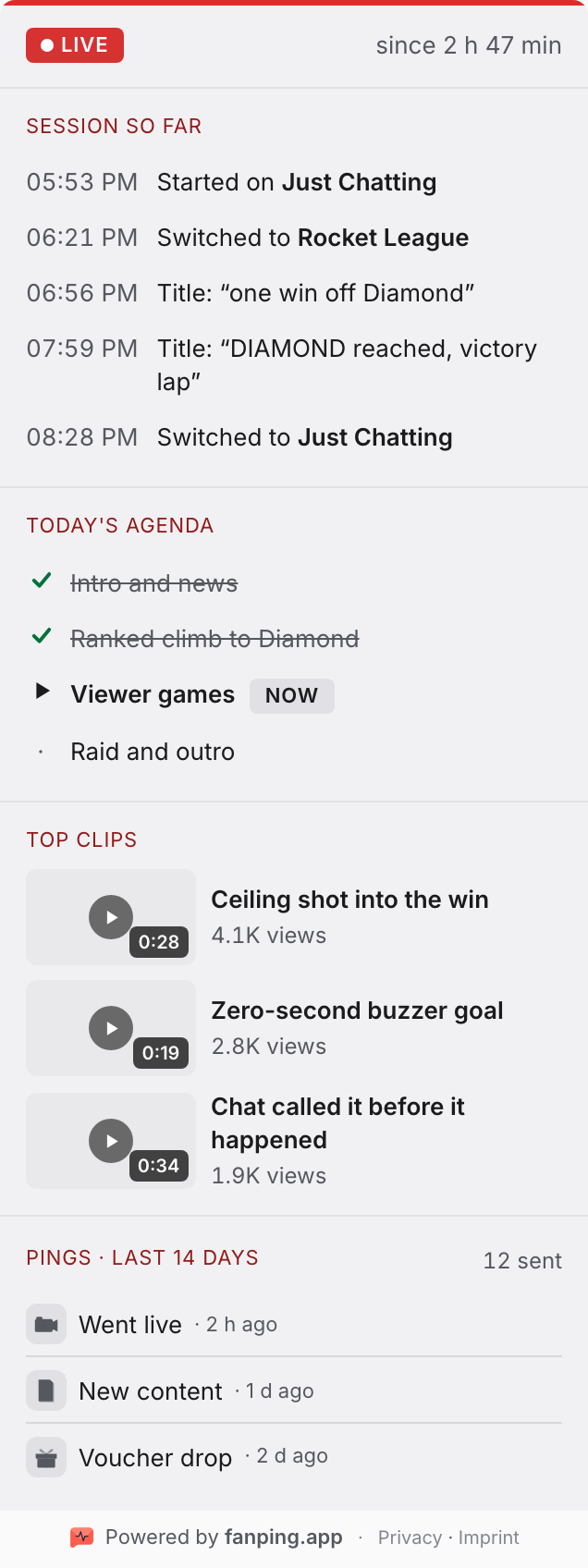
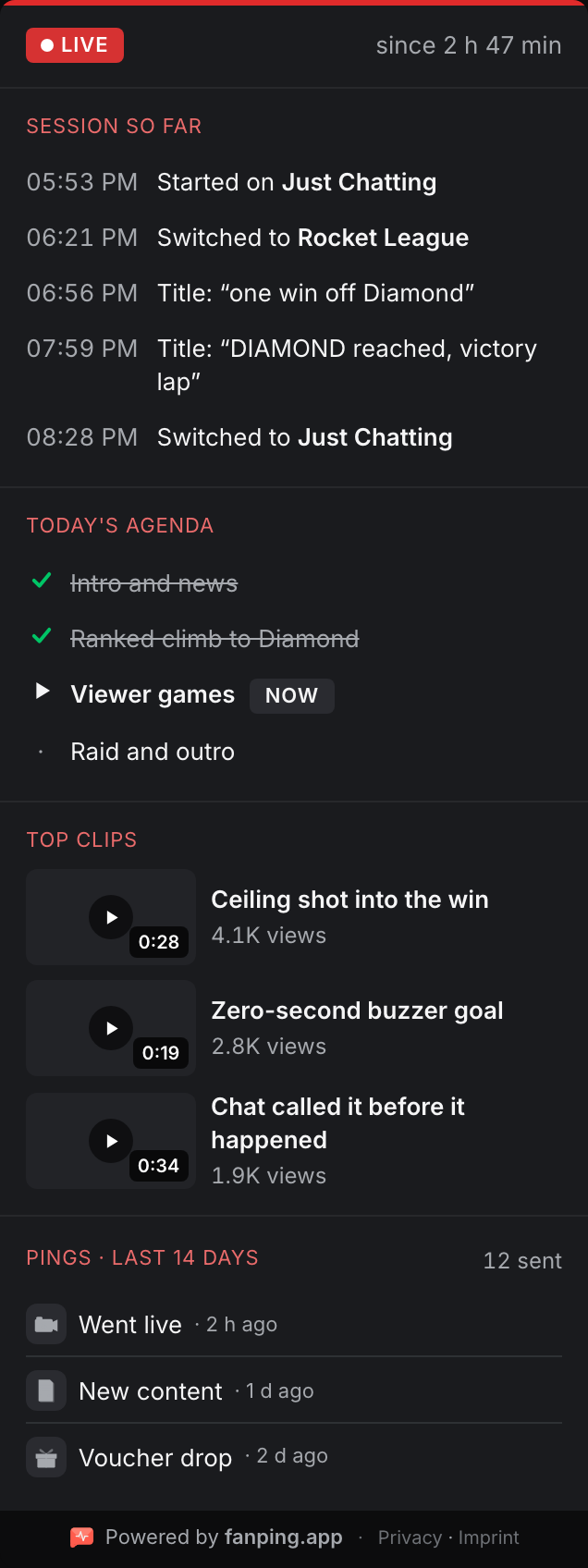
Drops in while you're live and has no idea what's going on. The agenda shows today's plan and where you are in it.
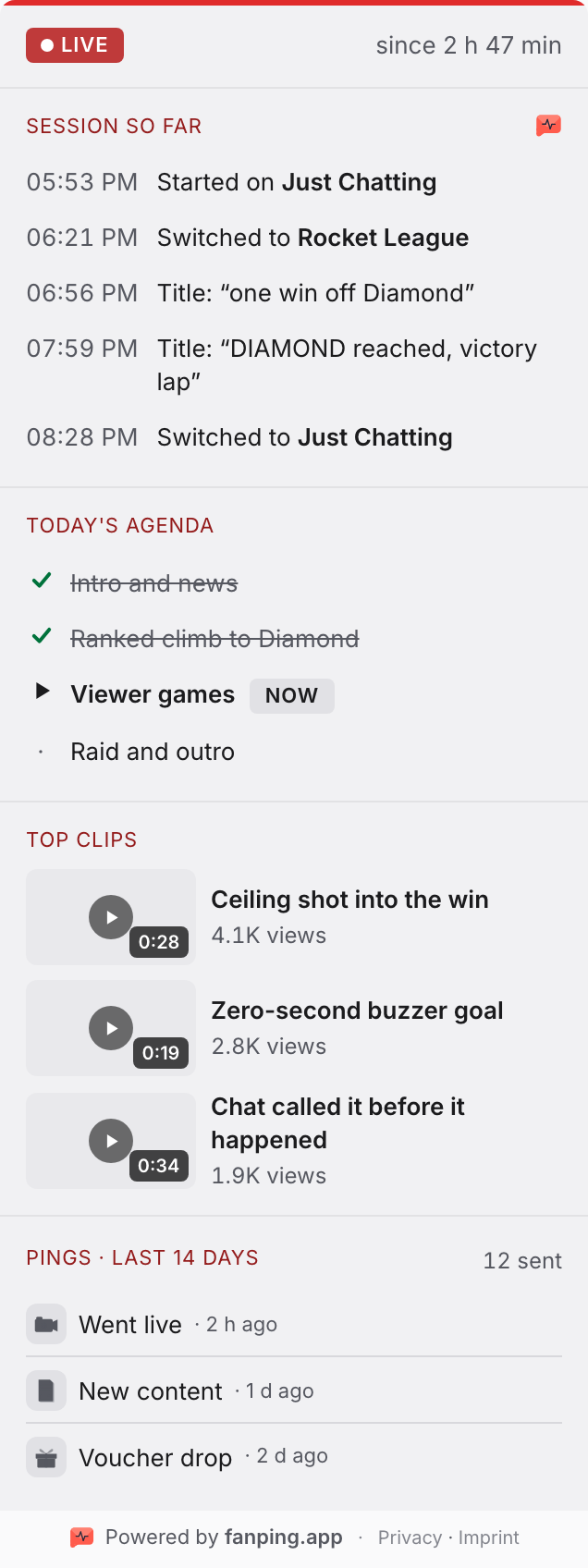
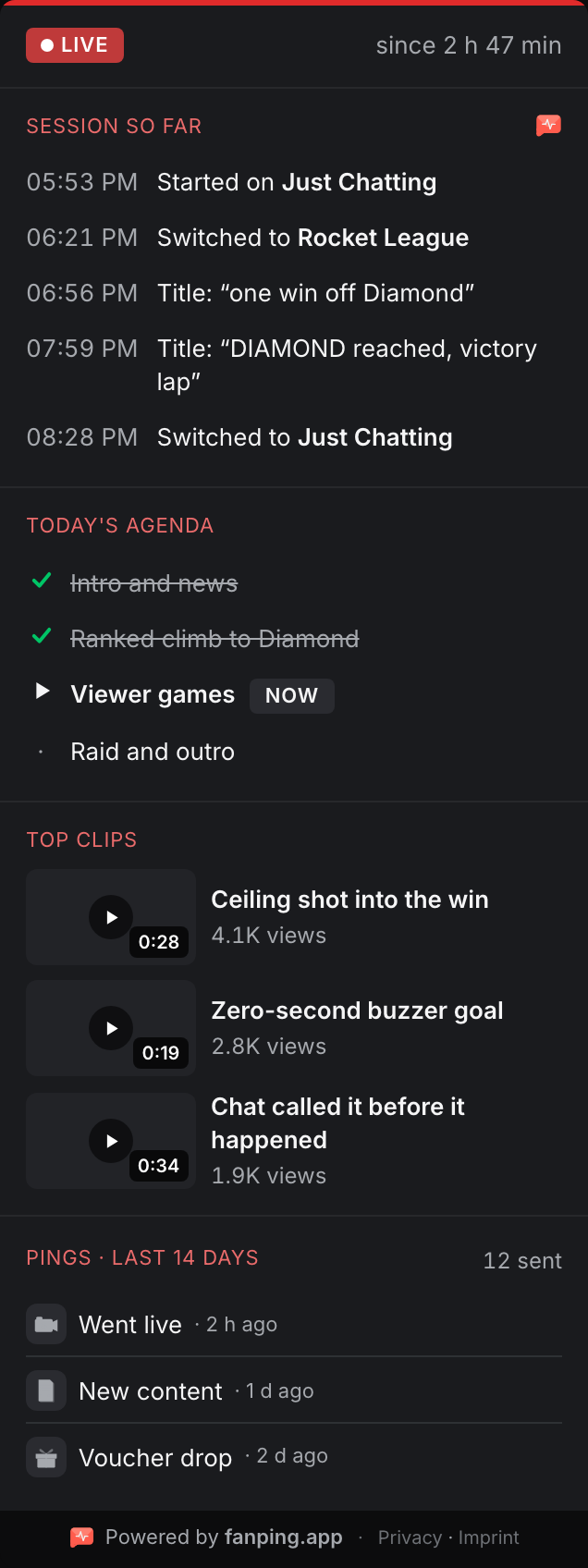
The two-hours-late fan
Wanted to be there from minute one, arrives at minute 120. The recap tells them what happened since go-live. No scrolling through chat.
Every block, your call
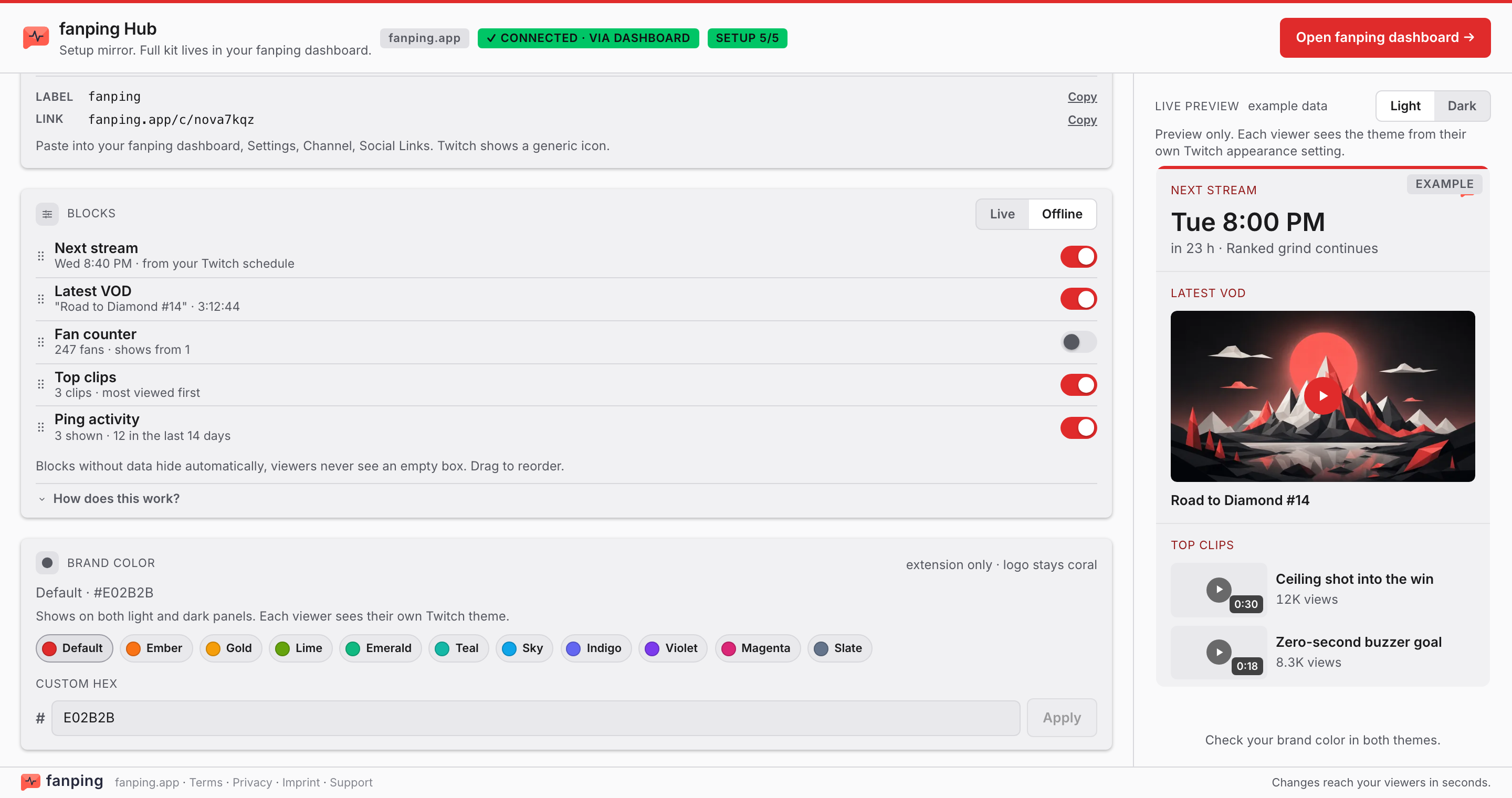
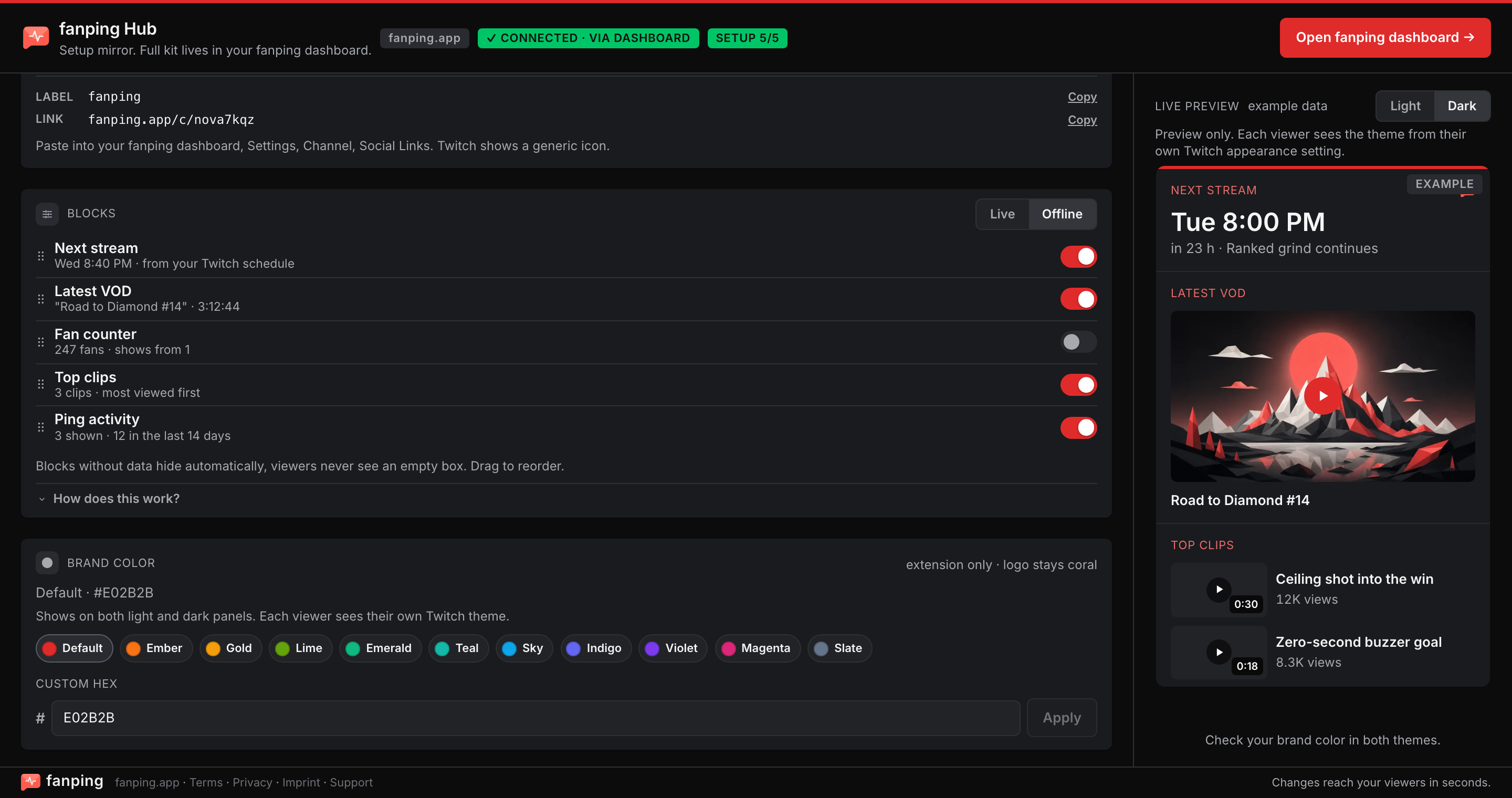
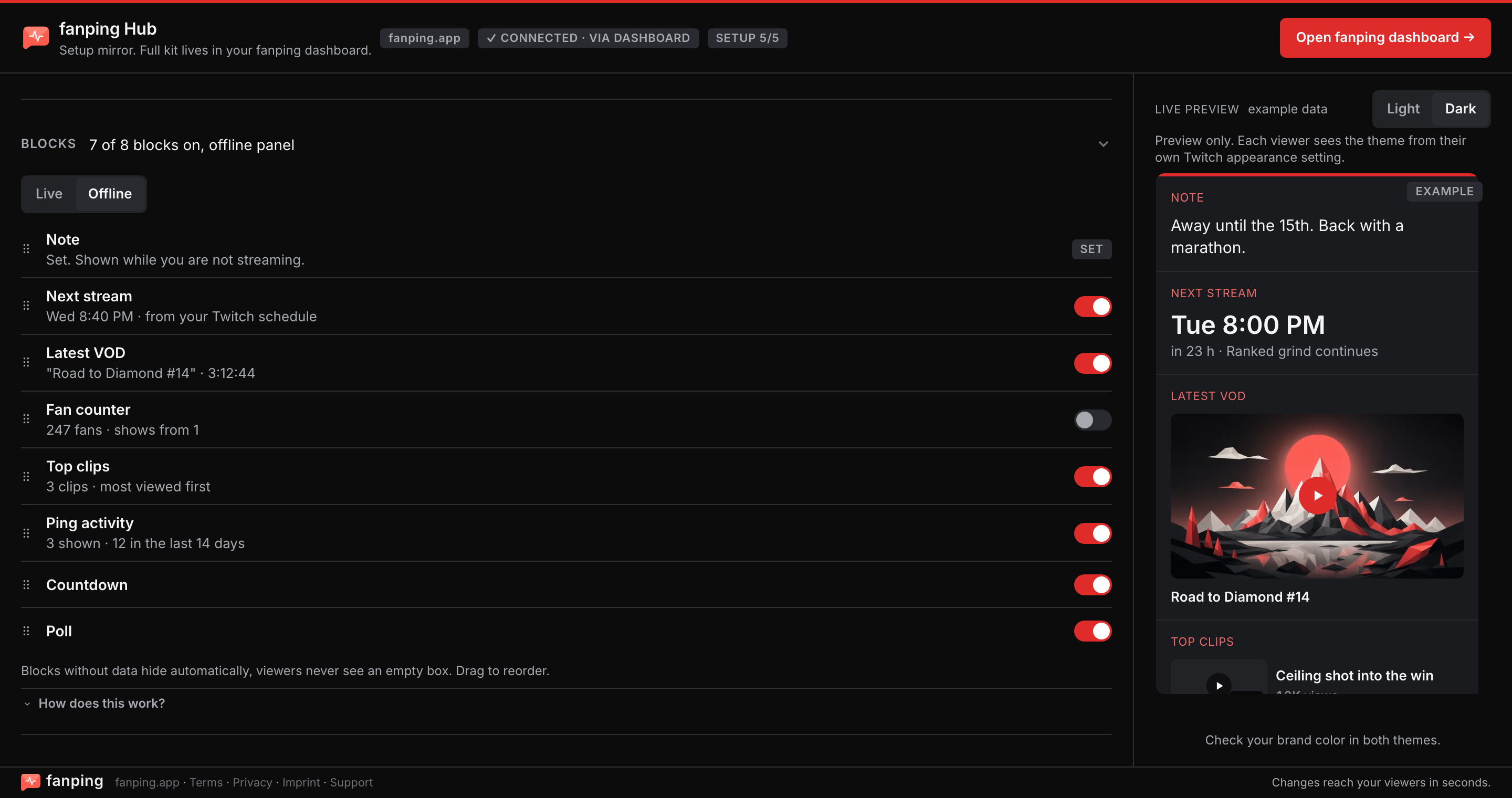
Toggle blocks on or off for live and offline, drag to reorder, preview in light and dark. Changes reach your viewers in seconds.
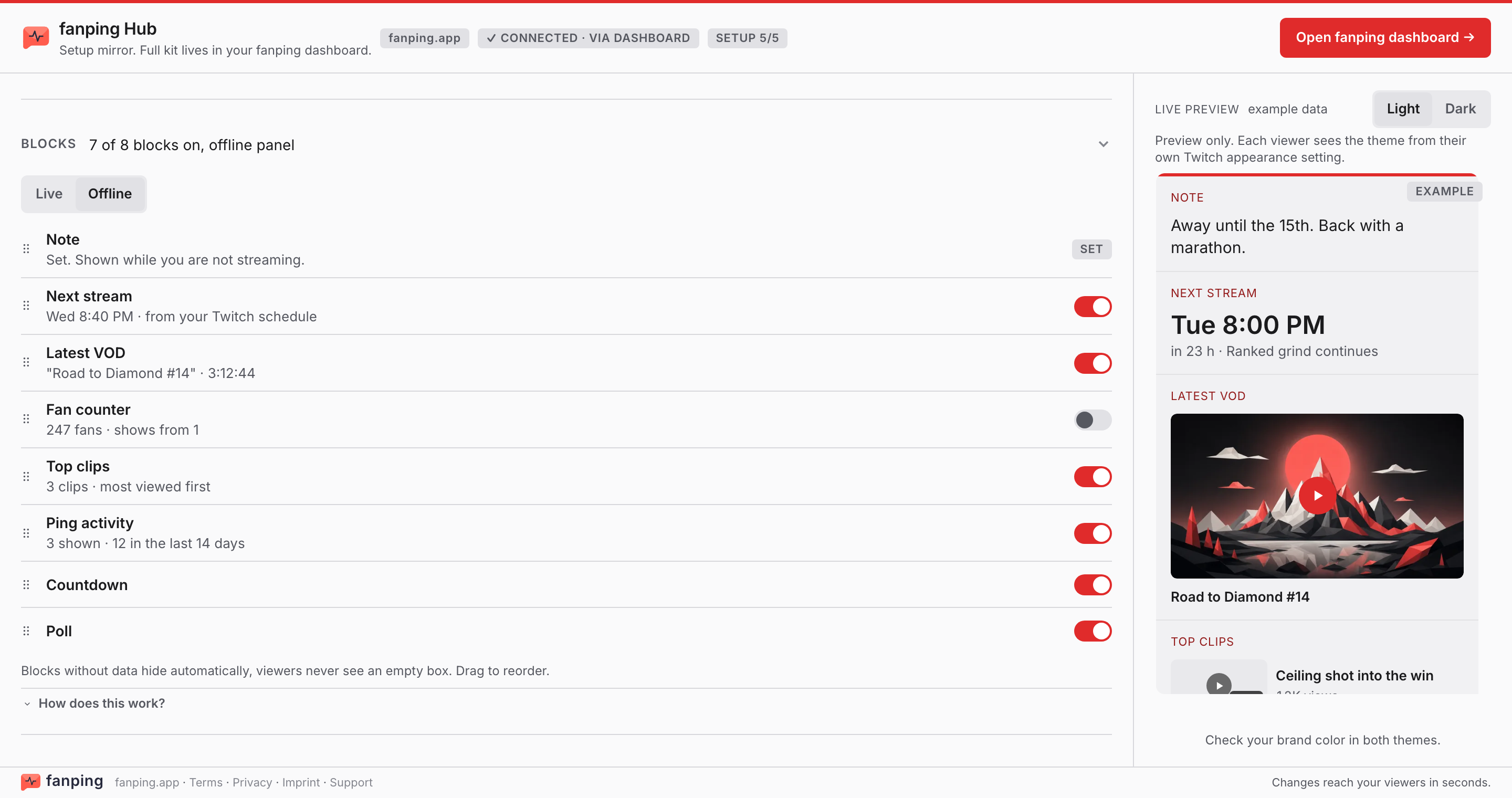
Your setup comes pre-built
No empty states to configure: a block without data simply doesn't render.
Install on Twitch
Add fanping Hub from the extension directory, activate it as a panel.
It fills itself
Schedule, VODs and clips arrive on their own the moment it's active.
Connect fanping
Optional: link your channel in the creator dashboard to unlock agenda and recap.
Works day one. Better connected.
The Hub earns its panel slot with your Twitch content alone. Connecting your fanping account unlocks the rest:
- Live agenda: edited from the Twitch Stream Manager, mid-stream, without leaving your setup.
- Session recap: the running session's "what you missed" story for latecomers, told automatically.
- Channel note: a short offline message at the top of your panel, edited from the config or your dashboard, gone when you go live.
- Countdown: pin one of your countdowns and the panel shows the time left, live and offline.
- Poll: pin a poll and viewers vote right on your channel page while signed in to Twitch. Votes from the panel, the fanping app and Discord land in one result.
- Fan counter: show how many fans get your pings, right on your panel.
- Per-state control: separate live and offline setups: decide per block what shows in each state.
Viewer surfaces stay clean by design: no cookies, no tracking, and no off-site links beyond the required legal notices.
Included without an account
Install it today and the panel already carries:
Your brand color works without an account too: tune the Hub's accent from the config's Design tab.
Put your channel page to work
fanping Hub is free. Connect it to fanping and your panel becomes one more place your pings pay off.